
Setup Python in Stata
Assumptions
This session presumes you have already installed Stata16 on your computer and you are already
proficient with using stata
Warning
Some Universities install stata over the network as university provided software.
This can cause issues relating to permissions so please speak up if you run into
these problems and we can look at trying to find a solution.
Integration between computer software is always a tricky problem to solve and typically requires some investment in setting up the integrations properly.
In this session we will focus on setting up python in stata and getting access to your configuration.
Having good knowledge of how your system is configured can great assist in reducing bugs and issues related to software problems and environments.
Open up the Stata application on your computer
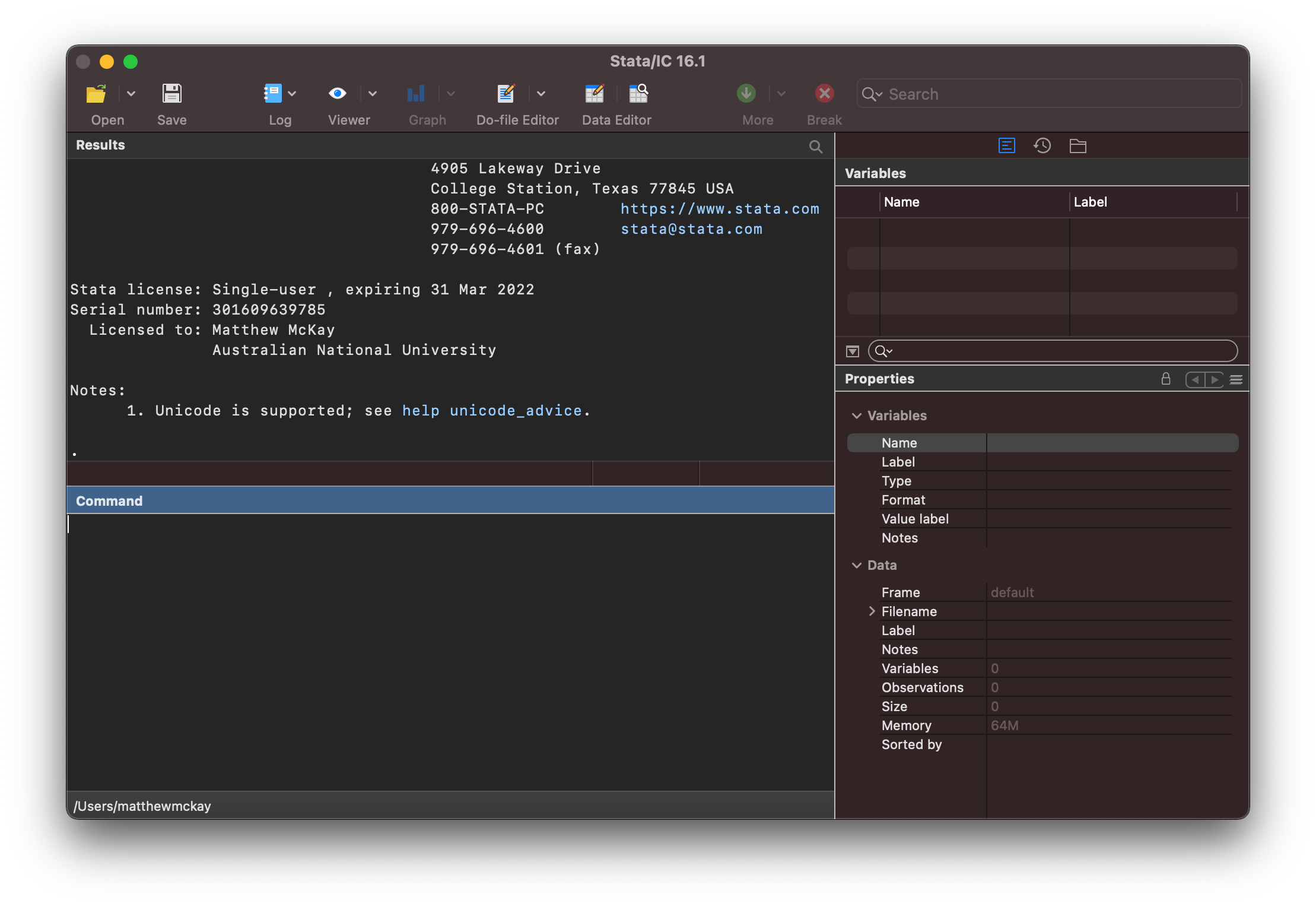
Checking your Configuration
To check your configuration you can type
python query
in the command window which will provide the following details:
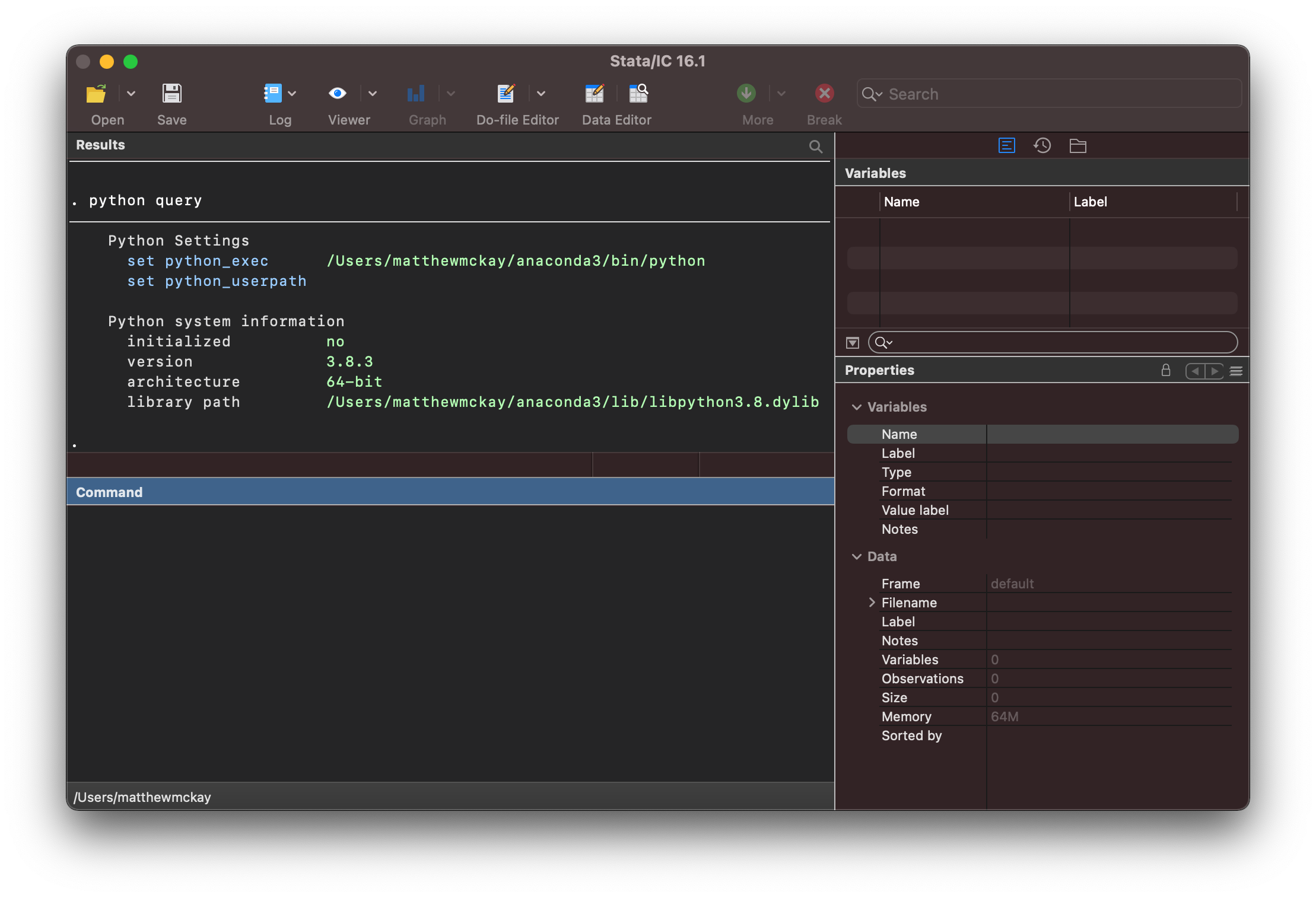
the output provides useful information about how stata and python
are linked together.
Field |
Description |
|---|---|
|
the location on your computer for the |
|
the location for any custom |
|
this provides additional information about the |
You can also see that python hasn’t been initialised as we haven’t used it in this session.
Searching for Python on your System
Stata can search your system for any python installations and list them by typing
python search
in the command window.
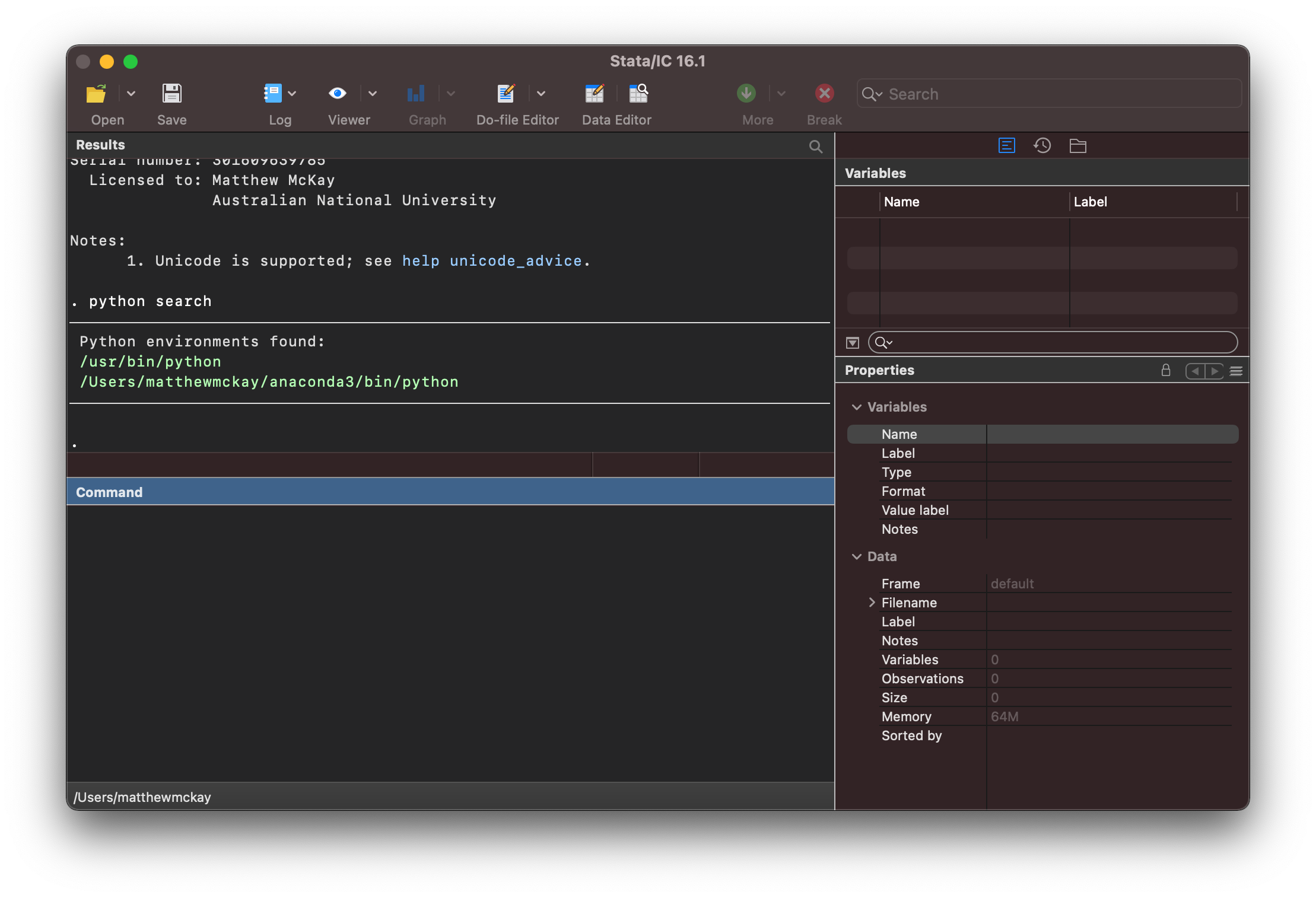
Note
If python is not yet configured you will see:
. python search

no Python installation found; minimum version required is 2.7.
r(111)
this will require you to install a python environment such as anaconda
Setting the python distribution
Linking stata to a specific python installation (such as anaconda) can be done
using the set python_exec command such as:
set python_exec /Users/<user>/anaconda3/bin/python
set python_exec C:\Users\<users>\anaconda3\python.exe
Warning
If you have already started a python session in stata you will need to quit stata
and reopen it before using set python_exec
This can be used together with python search to know which path to provide.
You can then check the setting has taken effect using python query.
Updating your sys.path in python
python uses sys.path to specify the search path for looking up
python packages and other utilities and programs.
You can add a custom path for the python stata environment using set python_userpath
set python_userpath /Users/<user>/mypythoncode
set python_userpath C:\Users\<users>\mypythoncode
Then check the setting has taken effect using python query.
Testing Python
To check that everything is setup and ready to go you can run the first python example and verify everything is working.